Design reuse and part standardization
Design Reuse & Part Standardization
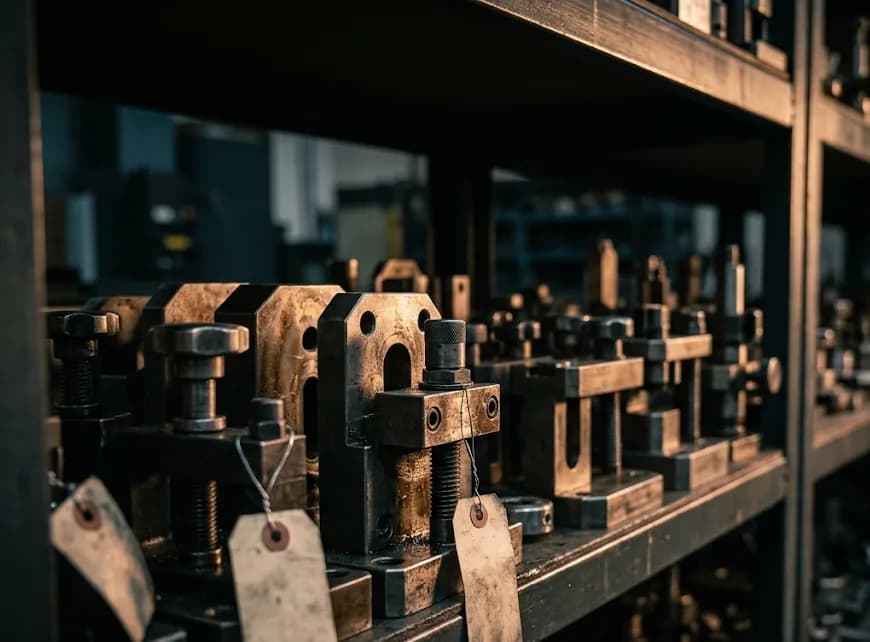
Design Reuse stops your team from redrawing parts the factory already has. When an engineer starts a new design, Kizai compares it with your existing drawings and suggests parts or standard components that can be reused.
Key features
Duplicate alerts
Tells engineers as soon as they start designing a part that already exists.
Standard part suggestions
Suggests equivalent standard parts from internal stock or partner catalogs.
One platform, four layers of data
From scattered files to answers you can trace. Each layer builds on the one before.
- 2D/3D CAD
- PDF, images
- PMI extraction
Layer 1: Data layer
Ingest and extract any format
Ingests 2D/3D CAD, PDFs, photos and documents. Automatically extracts dimensions, GD&T tolerances, materials, surface finish and title blocks as structured data.
- BOM
- ERP / PLM
- Quality reports
Layer 2: Knowledge graph
Linked by meaning
Links every part to its drawings, ERP orders, quality reports and suppliers, so one question returns the full context.
- Geometric search
- Chat with your data
- AI agents
Layer 3: Search & AI agents
Ask with images, drawings or words
Search with a photo, a 2D sketch or a 3D model. AI agents analyze in your company's own context: standardizing parts and scoping the impact of a defect.
- Design
- Purchasing
- Production
Layer 4: Workflow apps
For each department
Automates repetitive work in design, purchasing and production engineering, and turns veteran engineers' tacit knowledge into a shared asset.
Try asking Kizai
Suggested questions
Sample data. A real demo runs on your own factory's data.
Pick a suggested question to see how Kizai answers.
Connects to the systems your factory already uses
Kizai reads data where it already lives. Nobody has to switch tools.
CAD
- SolidWorks
- Siemens NX
- PTC Creo
- CATIA
- Inventor
- Fusion 360
- STEP
- DWG/DXF
PLM / PDM
- Teamcenter
- Windchill
- 3DEXPERIENCE
- SolidWorks PDM
ERP / CMMS
- SAP
- Oracle
- SharePoint
- In-house ERP
Security
Your data stays yours
Drawings and designs are never used to train public models.
Cloud or on-premise
Deploy in the cloud or on your factory's own servers (Docker/Kubernetes).
Multi-level permissions
Set access by department, project and customer.
Other modules
- Drawing searchAI Visual Search & ExplorerFind similar parts from a 3D model, 2D drawing, photo or hand sketch across PLM, ERP and shared drives, without remembering part numbers or file names.
- Design reviewAI Design ReviewAI scans 2D drawings and 3D CAD to flag geometry errors, tolerance violations and DFM risks before sign-off, and keeps lessons from past reviews.
- Cost & RFQCost Review & RFQ CopilotReads RFQ packages with PDFs and drawings, matches them to similar parts you have produced, breaks down cost structure and suggests suitable suppliers.
- Production & MROProcess, Tooling & MROFind similar molds and fixtures, identify spare parts from a photo taken on the shop floor, and analyze equipment failure history to optimize spare-part stock.
See the AI work on your own drawings
Send a few details and a Kizai engineer will prepare a demo on your factory's sample data.
- 1-on-1 demo with a Kizai engineer
- Try it on your real drawings
- A POC plan that fits your size
Or contact us directly
- Phone
- +84 38 631 2345
- kiennguyen@kizai.vn
- Address
- X5, Tráng Việt, Mê Linh, Hà Nội, Vietnam
- Hours
- Mon – Fri, 08:30 – 17:30 (GMT+7)